What is CrateBox
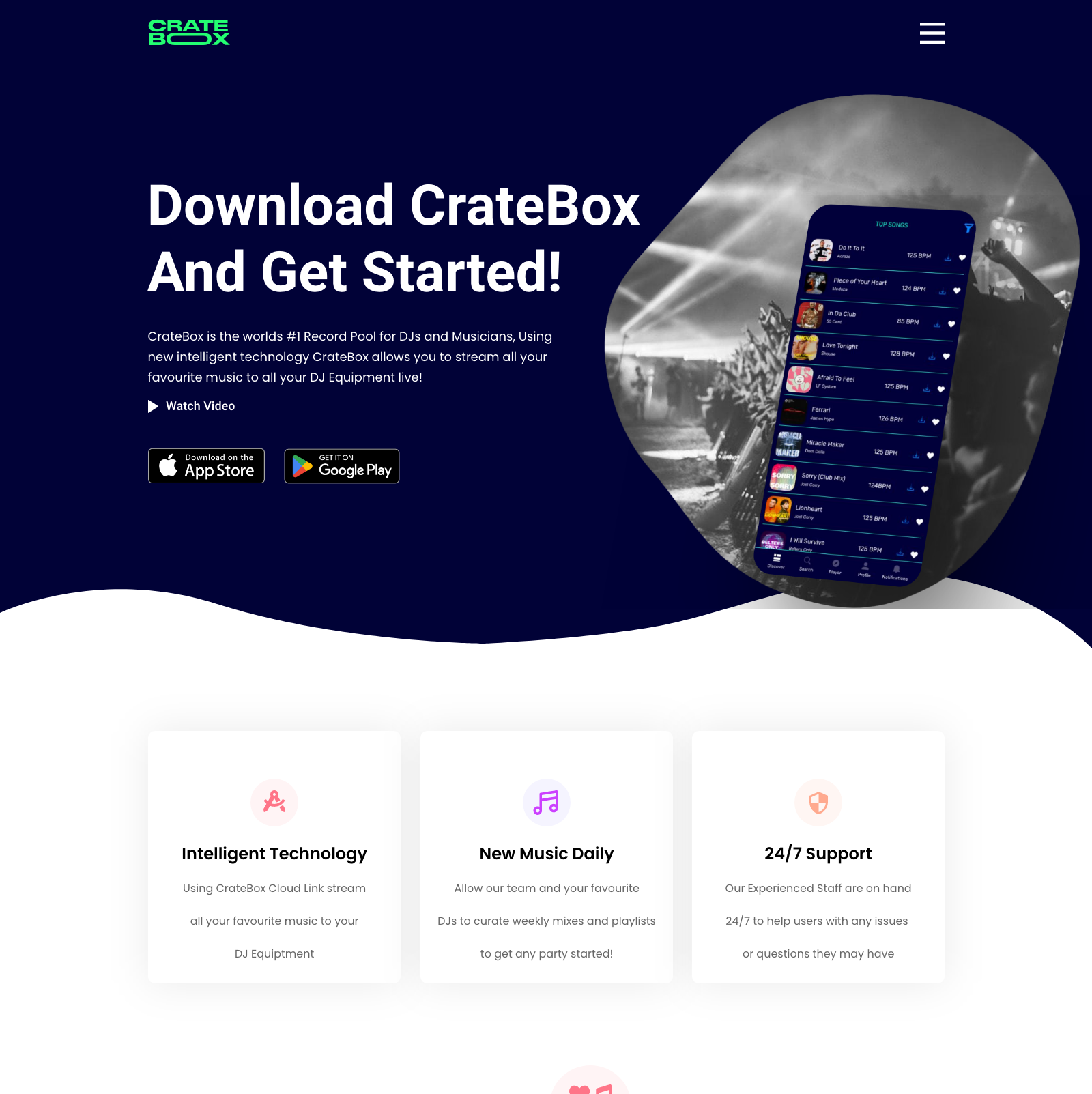
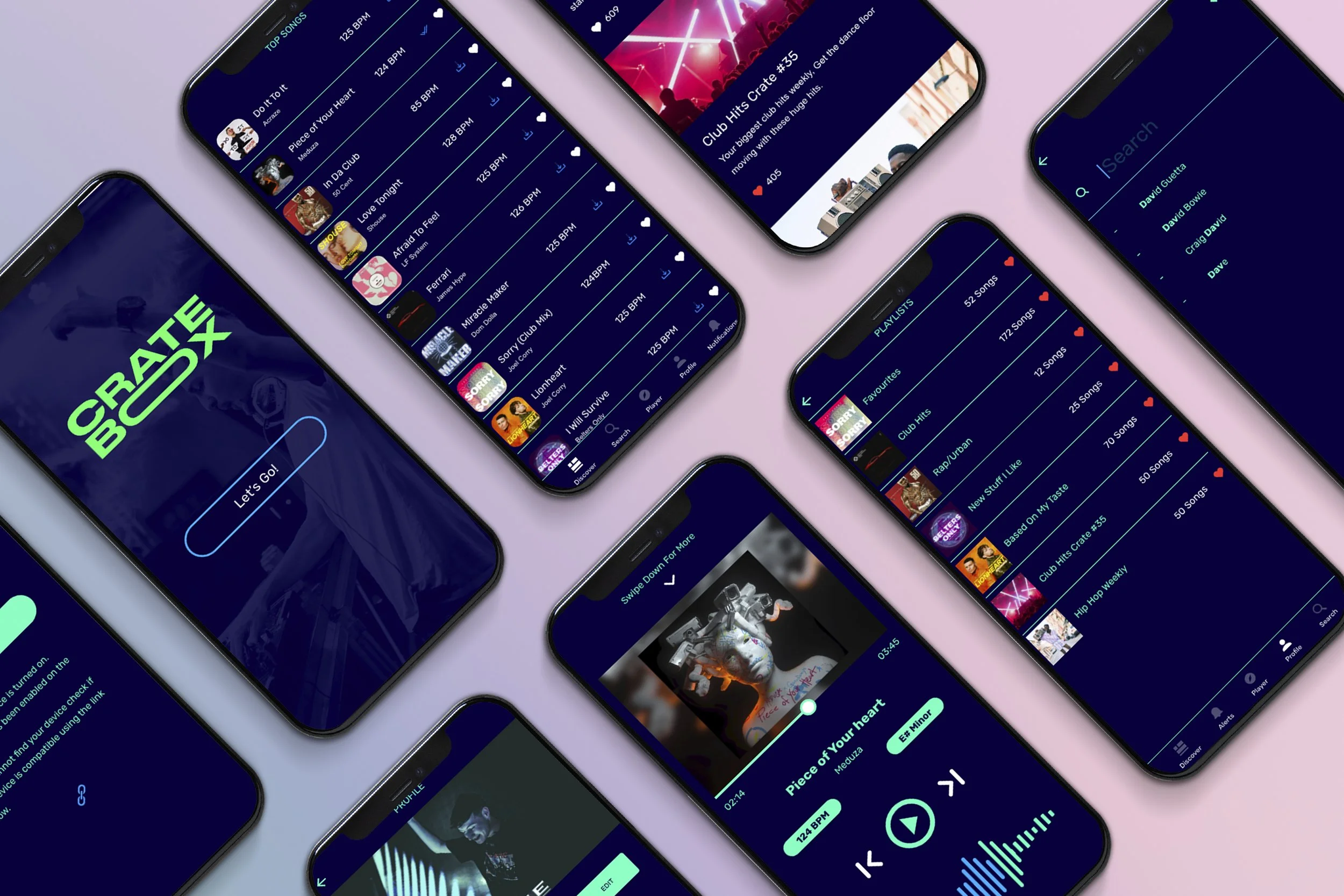
CrateBox is a mobile record pool application designed to make life easier for DJs of all levels, from those working in their bedrooms to those touring internationally.
This app allows users to browse, stream, and download music directly to their compatible DJ equipment, making it an essential tool for any DJ looking to streamline their work flow.
The app includes a built-in media player that offers more in-depth song metadata than standard media players, including key, BPM, and remaining time.
In this article, we’ll explore CrateBox in more detail, including its strengths and weaknesses, the challenges faced during its development, and why I chose to develop this app.
Branding
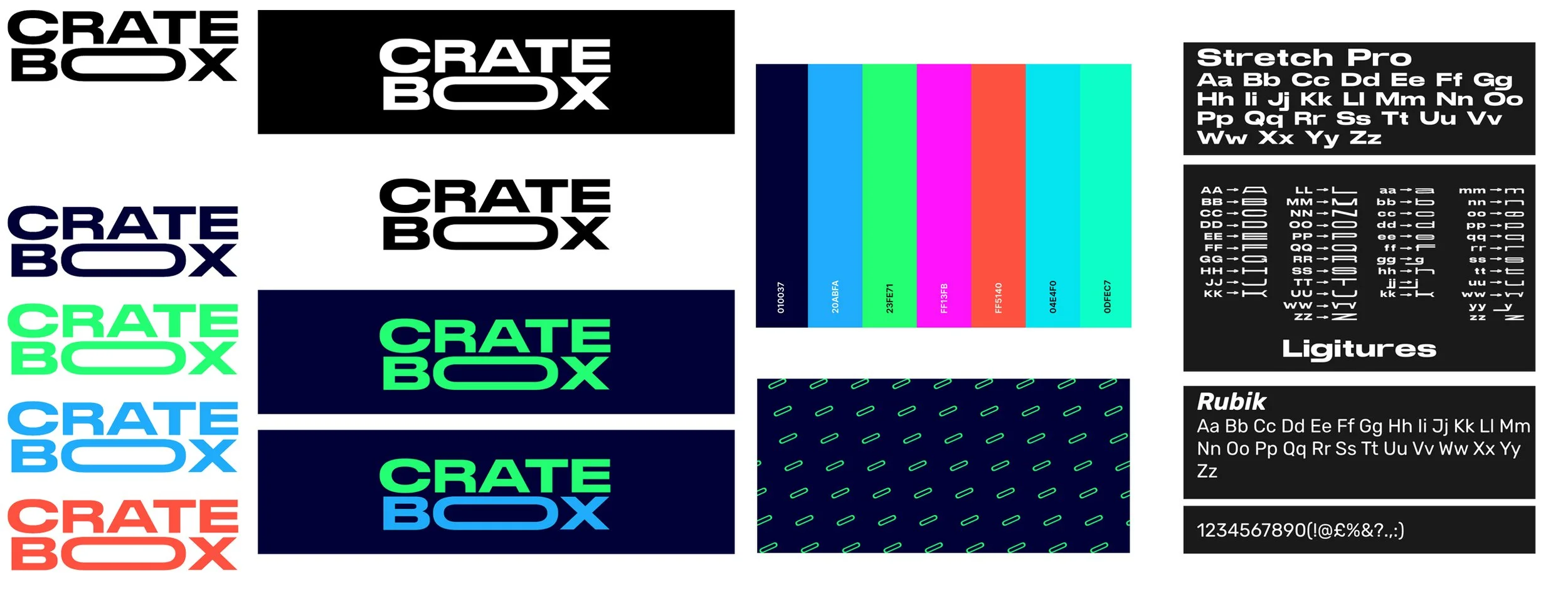
When designing the brand I first needed to come up with a memorable name which users can relate with,I had a vast selection of names but felt CrateBox was a strong and distinguishable name that isn’t similar to other competitors on the market.
I understood the colours had to be the backbone within the brand as this app is to be used on the go and in dark environments so I decided upon a dark navy fill for the backgrounds so information would be readable when paired with the bright neon body colours.
Challenges Faced
One of the main challenges faced during the development of CrateBox was its newness in the market. As a result, the app went through various stages of concepts from USB transferring to live streaming audio via Wi-Fi and mobile data. This meant that I had to consider all possible scenarios that users could encounter without existing data to help troubleshoot.
Another challenge faced was narrowing the features of the app down to the most important and essential ones. I would come up with new features all the time but needed to make sure the feature would add enough value to the app to be worth the integration.
Project Management
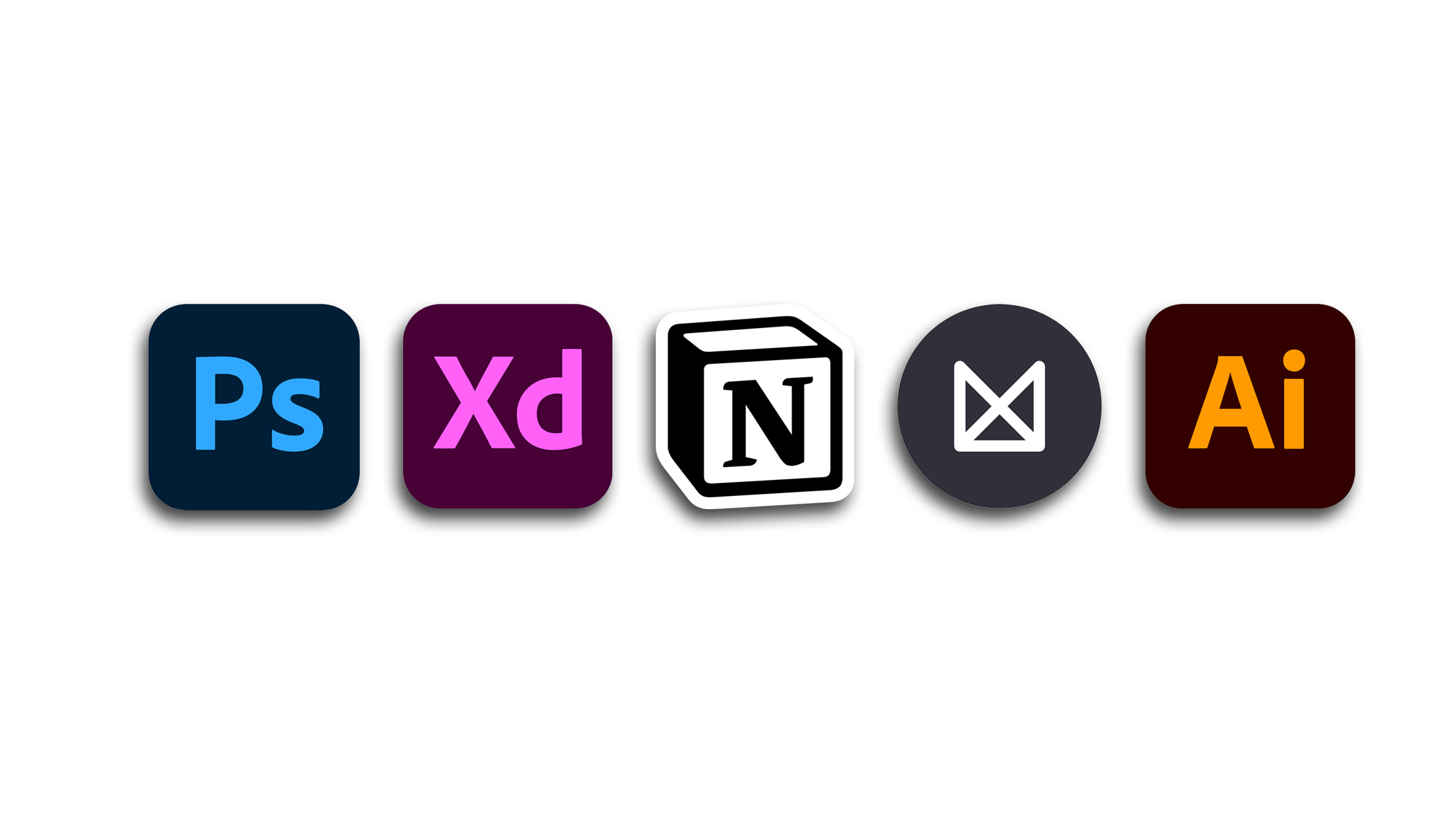
For the majority of my project I used Notion as a management tool to allow me to make Research Notes, Checklists, Timelines and a way to store inspiration sources
Prototyping
When it came to the process of prototyping my application in Mid & Hi-Fidelity versions I chose to use Adobe XD as I am very accustomed to the Adobe UI and am proficient in the Adobe suite so it felt natural to use XD. Milanote was useful as it allowed me to create user flows for the app and how it was going to flow which then later helped me when it came to the prototyping stage.
Asset Generation
For my assets I used Adobe Photoshop and Illustrator. These tools allowed me to easily manipulate and edit images and text in ways that were very quick and easy to me. Illustrator was very helpful in the creation of the CrateBox logo as it allows for vectorised images.